
Get to cost faster
Structured quantities from your Revit models and PDF drawings, in hours. Level bids with real data. Gut-check costs during design. Track materials across your portfolio.
How it works
From documents to estimate
Connect your documents
Upload your Revit model and PDF drawings, or sync from Autodesk Construction Cloud. Tangible reads both.
Review and refine
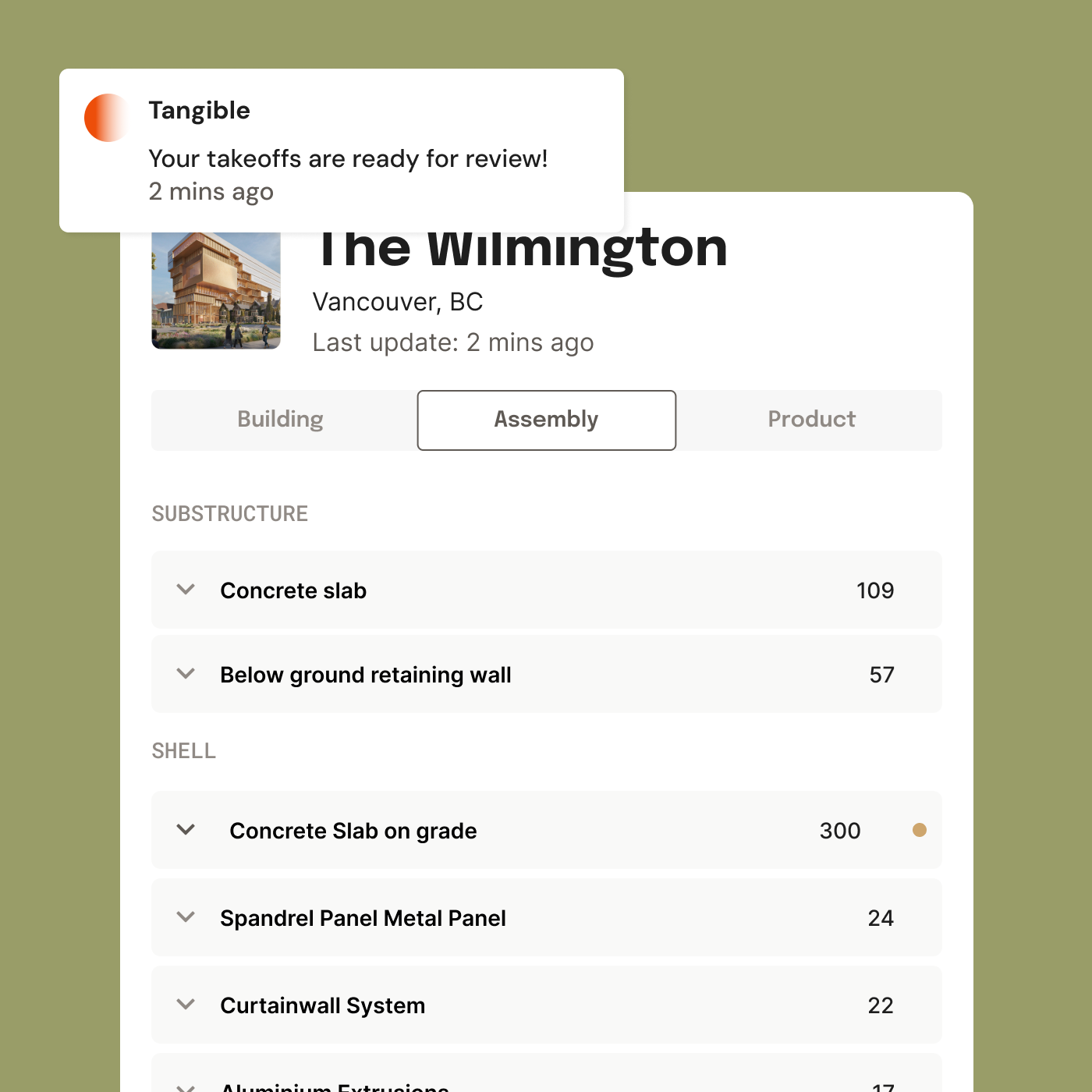
AI maps every building element to an assembly and organizes quantities by trade. You review the results and adjust where needed.
Export and price
Download structured quantities as .XLSX organized by MasterFormat or Uniformat. Drop into your estimating templates and start pricing.
What Tangible does
Quantity data you can trust and use
Structured quantities in hours
Tangible reads your Revit model and cross-references your PDF drawings — concrete strengths, wall sections, insulation specs — to produce detailed material quantities. No manual measurement. You get structured, traceable data to verify costs, level bids, or feed into your own estimating tools.
Numbers you can stand behind
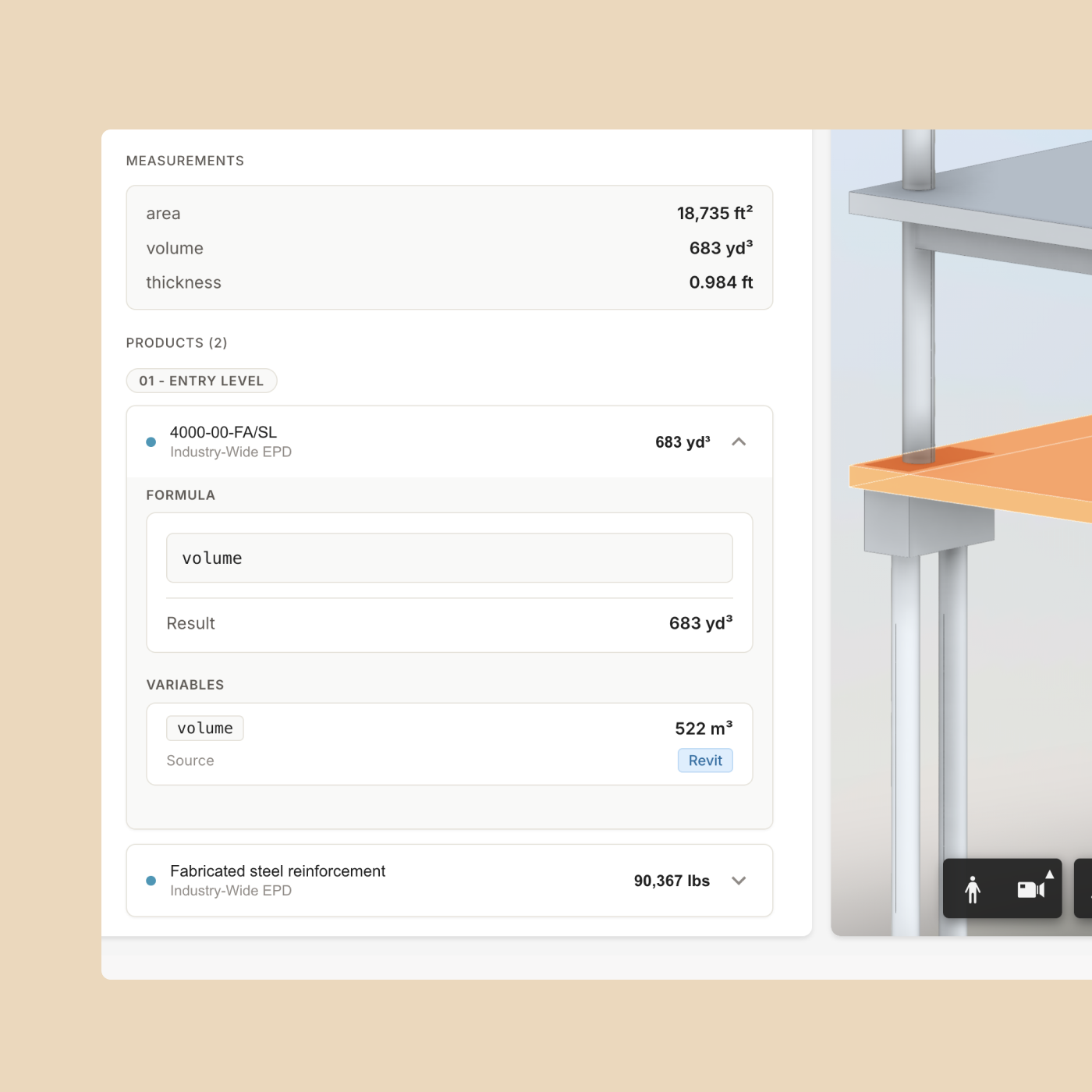
Every quantity links to its source — the model geometry or drawing callout it came from. When a number looks off, trace it back and verify the logic. No black box, no unexplained totals.
Takeoff to estimate, no reformatting
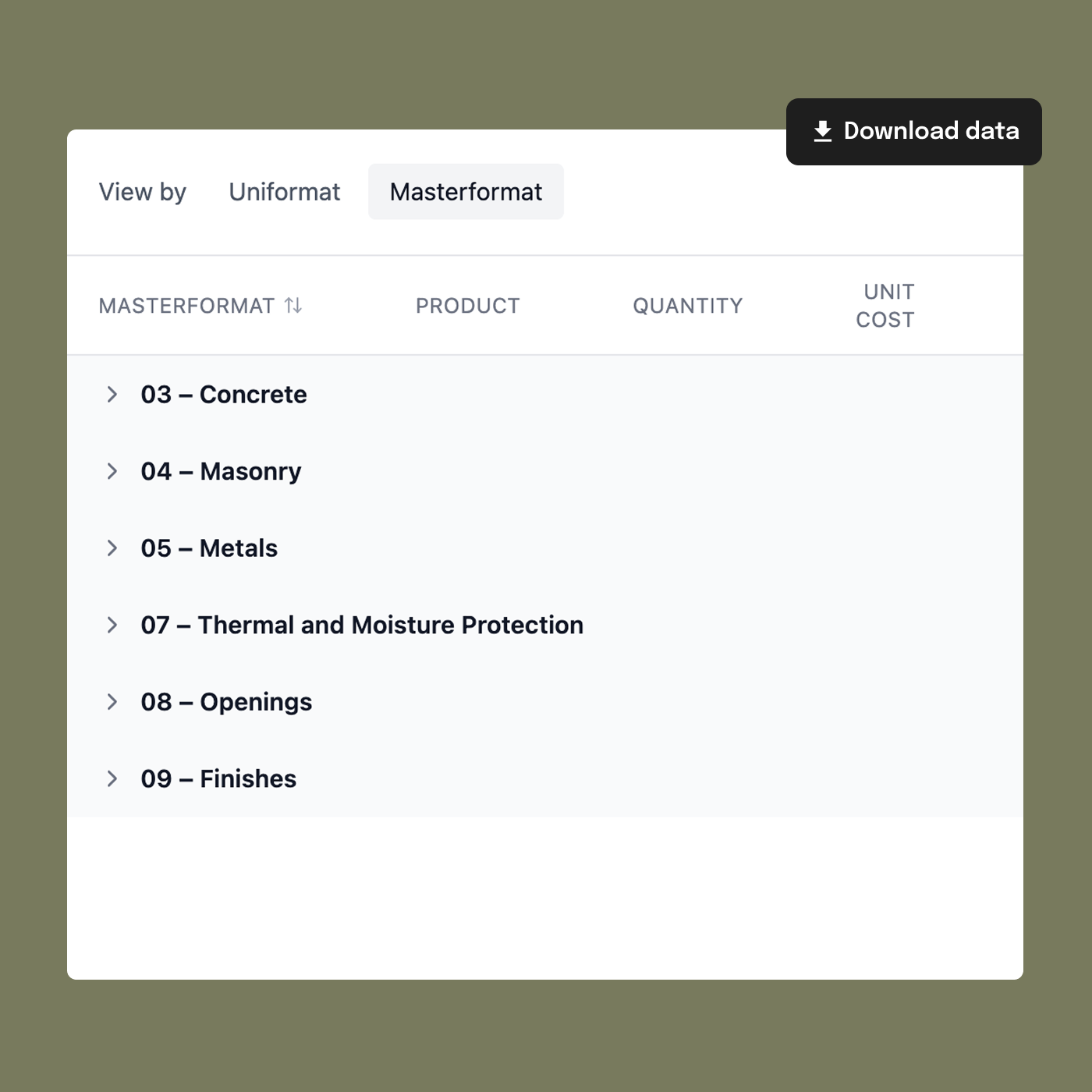
Export to .XLSX organized by MasterFormat or Uniformat. No copying between tools, no re-classifying line items, no reformatting columns. The data comes out structured and ready for your estimating templates.
One assembly database, every project
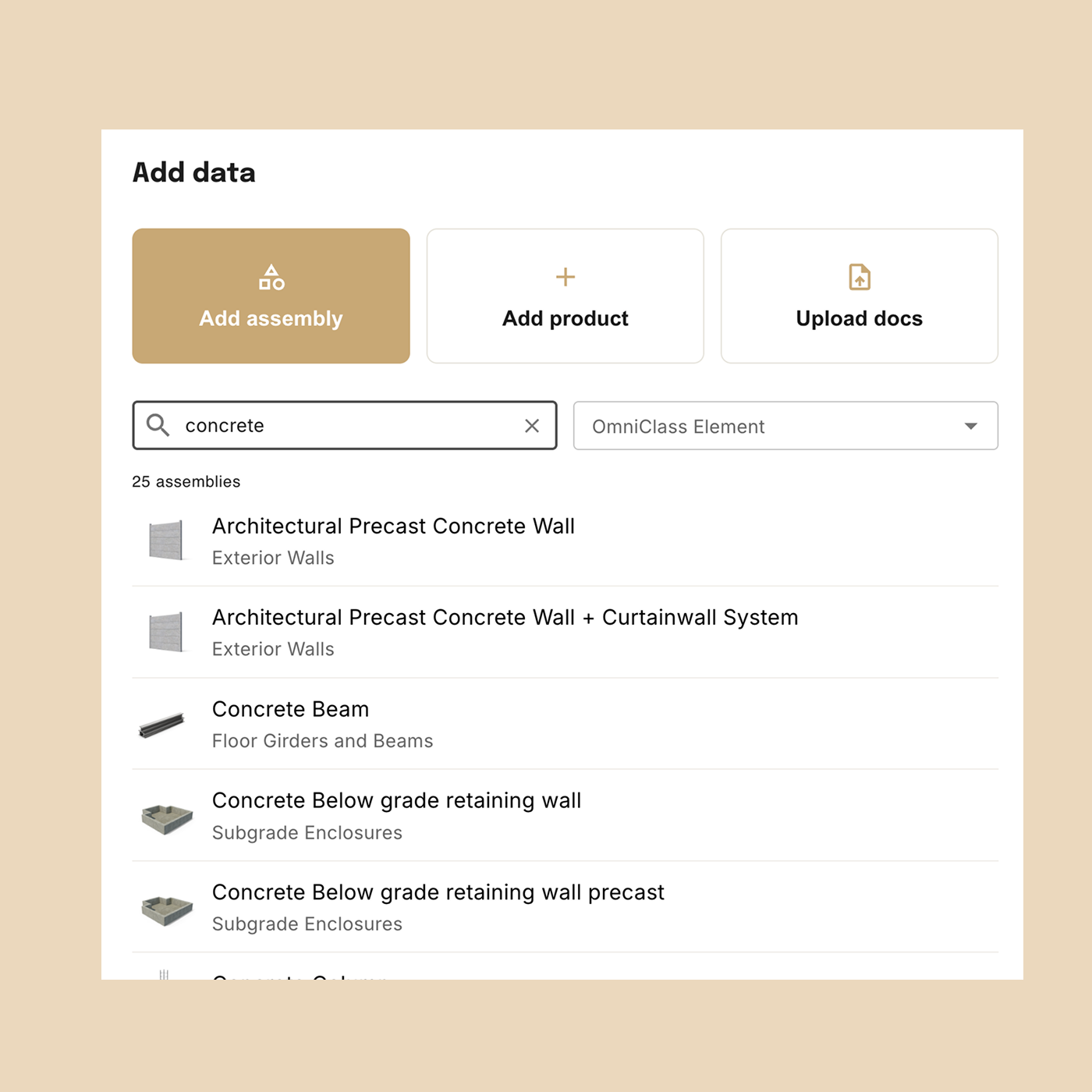
Tangible maintains a shared assembly database across your organization. Every project measures quantities the same way, so results are comparable — building to building, team to team. When you refine an assembly on one project, that definition carries forward to the next.
Why Tangible
What makes this different
Speed
Manual takeoffs take days. Tangible returns structured quantities in hours. Design revisions update in minutes.
Traceability
Spreadsheet takeoffs lose their trail. In Tangible, every number links to the model or drawing it came from.
Consistency
Same assembly database across every project. Your estimates are comparable — project to project, team to team.
Frequently asked questions
Material quantities, embodied carbon, and whole-life carbon data — organized by assembly, broken out by level and zone, and classified under MasterFormat or Uniformat. Carbon results include lifecycle stages (A1–A5, B, C) and link to the EPD behind each material. For projects with a 3D model, each data point cites the source element it came from so you can trace any number back to the model or drawing.
Whatever scope of the building you want to measure. The output depends on how much detail is in the input — a Revit model paired with PDF drawings gives the most detail, but you can start with what you have. More documents means more complete quantities.
Most projects complete in hours. The timeline depends on model size and the number of PDF drawing sheets, but you're looking at hours of processing versus weeks of manual measurement. When you get updated drawings, re-running the takeoff takes minutes — no re-measuring from scratch.
Tangible starts with smart defaults for every assembly — material compositions, typical specs, standard assumptions. Then it cross-references your PDF drawings to refine those defaults with project-specific detail: concrete strengths from the structural schedule, wall assemblies from architectural details, insulation specs from building sections. You get accurate results even when the model is light on information.
Revit rarely contains everything. Tangible can pull from multiple documents — models, drawings, specs — so you're not limited to what's in the 3D geometry. This gives you more granular control over the takeoff and lets you capture elements that only exist in the drawing set.
Yes. You can swap products and edit quantities directly. The ability to change design assumptions — like wall assemblies or insulation types — is coming next. You review everything before export.
Export to .XLSX and you get everything — division codes, material descriptions, quantities, units, assemblies, and source references, classified by MasterFormat or Uniformat. The full dataset exports in one file, ready for your estimating templates.
Whatever scope you put in. Tangible covers structures, enclosures, interiors, and site elements today — the output matches the documents you provide. MEP is coming soon.
Yes. Your ACC admin installs the Tangible app once, and then any team member can import projects directly from ACC into Tangible. Documents sync from your existing project folders — no manual uploading required.
You get to structured data faster, in a standardized format, with traceability built in. A manual takeoff produces the same quantities, but the process is slower, the format depends on who did it, and there's no link back to the source. Tangible gives you a consistent, auditable dataset from day one.
Not yet. Tangible produces structured quantities ready for pricing — you bring your own rates. Cost data integration is on the roadmap. For now, the .XLSX export is structured to drop directly into your estimating templates so you can apply unit costs immediately.
Get visibility into your next project
See how teams use Tangible to go from design documents to structured, traceable quantity data — in hours.